
Importing data from a CSV file
Transformations, Record Selection, and Input
Opens a comma separated value (CSV) file with a variable name header. After selecting a CSV file, you are prompted to select the analysis module (AMFIT, GMBO/PECAN, PEANUTS or DATAB) from the following dialog
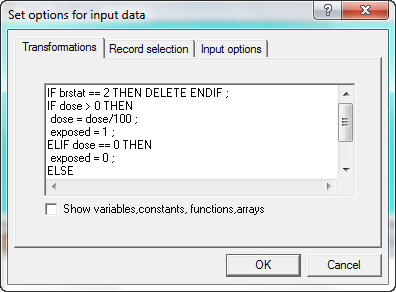
After the analysis module has been selected, a tabbed dialog box appears. This dialog can be used to:
•Define transformations that will be carried out as the data are read (Transformation tab);
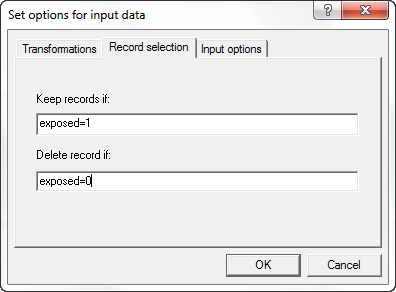
•Define criteria for selecting or deleting records as the data are read (Record selection tab);
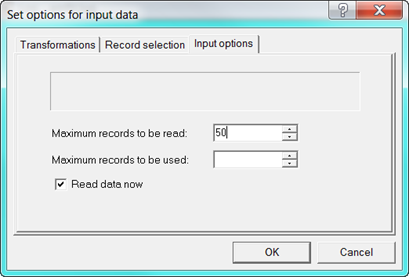
•Specify input options such as the maximum number of records to read or to use. You can also defer immediate reading of the data (Input Options tab)
Related script commands