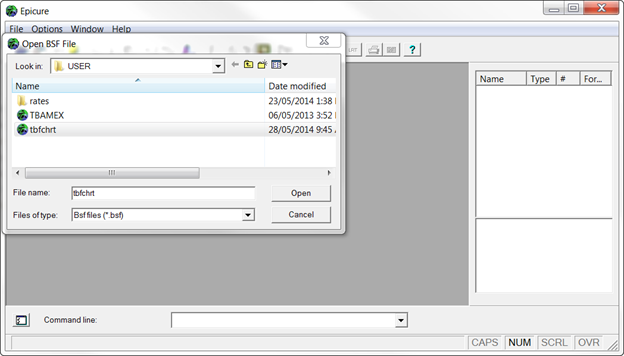
In EPICURE, data can be saved in a specially formatted data file called a BSF (binary save format) file that contains the data and information about variable names and other characteristics of the data. Once a BSF file has been created, the data can be read into any EPICURE program without specification of variable names or input formats. To import data saved as a BSF file, select Open Epicure data file (BSF)... from the File/New Analysis menu. Change the open file dialog directory to that which contains the BSF file if necessary. Select BSF file (tbfchrt.bsf in this example). Press “Open” or double click on the file name.
Chose the relevant module from the module selection dialog. For this simple example you can choose any module other than DATAB. We will choose AMFIT by clicking on it and open the input data option dialog.

As no operations on the input data are required, press OK.

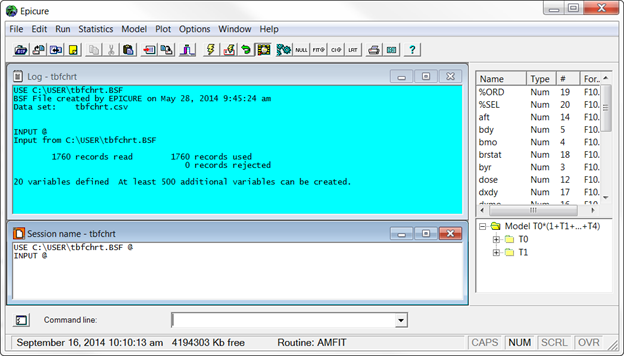
In the following figure you can see the script window showing commands that correspond to the menu items we used for these operations, and the log window showing the output. All the operations could be performed by entering the commands into the command line or into the script window (see Entering and Executing Commands). The log window shows that 1760 records from tbfchrt.bsf were read. In the upper right panel you see variable names, and in the lower right panel – the structure of the default model.