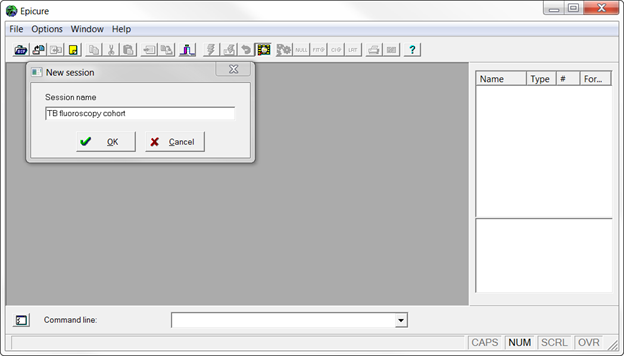
Open EPICURE and select New session... from the File/New Analysis menu.
Enter a session name into the box as shown below and press OK.
Select module (e.g., AMFIT) by clicking on it. A new command script and a log file will be created. You can start your analysis by entering commands into the script window or into a command line as described in Entering and Executing Commands.
