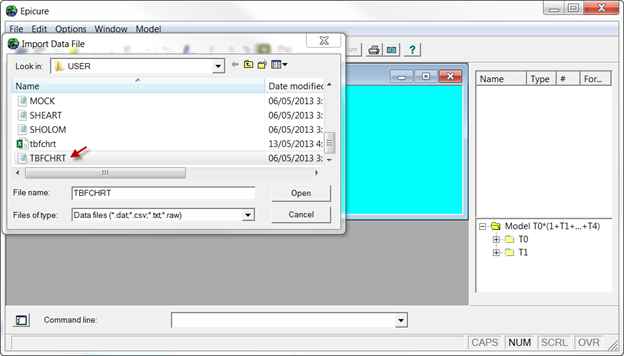
Select Import other text data file... from the File /New Analysis menu. Select the module for analysis. (As in the previous examples, we will use AMFIT). Select the data file (change directory if necessary). In this example, we are going to use TBFCHR.DAT. Press “Open” or double click on the file name.
You see the window offering various options for input data. In this case, because the data file does not contain a header with variable names, we will enter variable names into the “Names” window: id hosp byr bmo bdy inyr inmo indy tryr trmo trdy dose numbtf aft dxyr dxmo dxdy brstat.
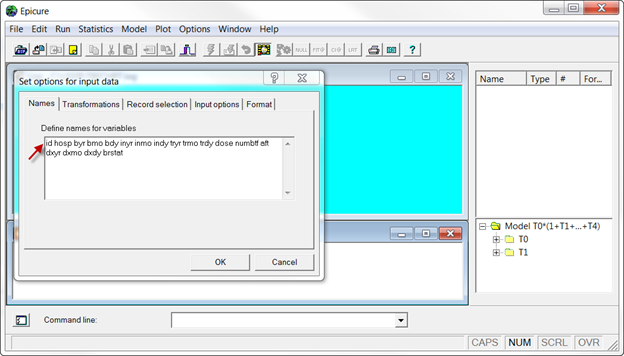
We are not going to do any transformations, record selection or any other operations offered for input data: press OK.

All executed commands appear in the script window. The log window shows that 1760 records from the data were read and no records were rejected. This output is different from that in the previous example because the data file does not contain a header with variable names.